When a VPS improves development environments and remote workflows

A development VPS is useful when the laptop stops being the boundary
A local development setup is wonderfully direct: edit code, run a test, inspect a process. It becomes less direct when the project needs a Linux service stack, several contributors, persistent test data or a realistic network boundary. A development VPS can solve those problems, but it also turns development into an operated environment. The decision is therefore about repeatability and collaboration, not about declaring a laptop inadequate.
A VPS is especially helpful when the target runtime is Linux and local machines differ in CPU architecture, operating system or available memory. It gives the team one place to reproduce a service problem and one controlled base for integration work. Yet it is not automatically a better workstation: network latency, shared access, secrets and the risk of treating a mutable server as the only environment all need deliberate answers.
A remote development machine earns its place when it makes an environment reproducible, not when it becomes another machine nobody can rebuild.
What changes when code runs remotely
A development environment is the combination of source code, dependencies, configuration, tools and data assumptions needed to build, test and run a change.
With a VPS, the editor may remain local while compilation, containers and tests run remotely, or the editor itself may connect to a remote workspace. Either model can be sound. VS Code documents development containers as a way to describe a consistent tool environment, while Docker volumes distinguish persistent data from a container’s writable layer. The important point is that a server directory is not a specification; versioned configuration is.
| Need | Local setup | Development VPS |
| Fast edit-run loop | usually lowest latency | depends on network and remote tooling |
| Shared Linux environment | requires each developer to match it | one controlled baseline |
| Heavy build or test | uses the laptop’s resources | can be isolated from the laptop |
| Offline work | continues normally | limited without connectivity |
| Rebuildability | needs documented setup | needs automation, not a hand-tuned server |
Three ordinary scenarios
First, a developer maintains a service that uses a database, cache and background worker. Recreating all three locally may be possible, but a VPS can host an integration environment with a documented compose file and non-production credentials. Second, a team supports different laptops; a remote Linux workspace reduces operating-system drift. Third, a project has a build that would monopolise a modest laptop. Offloading it can improve the working day, provided the VPS budget and queues are observed rather than assumed.
These are conditional examples, not claims that every team needs a server. A small static site may be simpler locally. A regulated project may need stricter controls than a shared development VPS can provide. The best choice depends on data sensitivity, the required fidelity to production, the team’s network conditions and the cost of maintaining another environment.
Do not copy production database dumps, API keys, customer files or unrestricted cloud credentials to a development VPS for convenience. A development environment has different access patterns and is often shared more broadly. Use synthetic or properly sanitised data, least-privilege accounts and a documented secret-delivery mechanism before anyone starts debugging.
Make the VPS disposable enough to trust
The strongest design treats the server as replaceable. Put system packages, runtime version, service definitions and project bootstrap steps in version control or a reviewed provisioning process. Keep code in Git rather than making the only copy live in a home directory. Persistent volumes deserve separate backup and retention decisions, because rebuilding an image is not the same as recovering developer-generated data.
Access should be personal and reversible
Give each developer an individual account or key, avoid a shared root credential, and remove access when it is no longer needed. Segment services so the database and cache are not casually exposed to the Internet. Logs should help diagnose failures without collecting secrets. This is not bureaucracy for its own sake: when a dependency is compromised or a laptop is lost, a team needs to know which access to rotate and which environment to rebuild.
A development VPS reachable from the Internet is still a server, even if it contains only test code. Patch the operating system, restrict inbound ports, use supported authentication and review exposed services instead of relying on the word ‘development’ as a security control.
Separate fast feedback from integration confidence
Keep the quickest tests near the editor when possible: unit tests and linting benefit from short feedback cycles. Use the VPS for integration tests, service compatibility checks and workloads that need the remote Linux context. CI can provide a further independent check; GitLab’s documentation, for example, describes pipelines as staged automated jobs. A successful remote manual test is useful, but it should not quietly replace a repeatable pipeline.
- Describe the runtime and dependencies in version-controlled files.
- Create distinct, least-privilege access for every contributor.
- Use sanitised data and rotate secrets independently of source code.
- Set disk, memory and process limits so a build cannot starve shared services.
- Document rebuild, backup and incident steps before the environment becomes important.
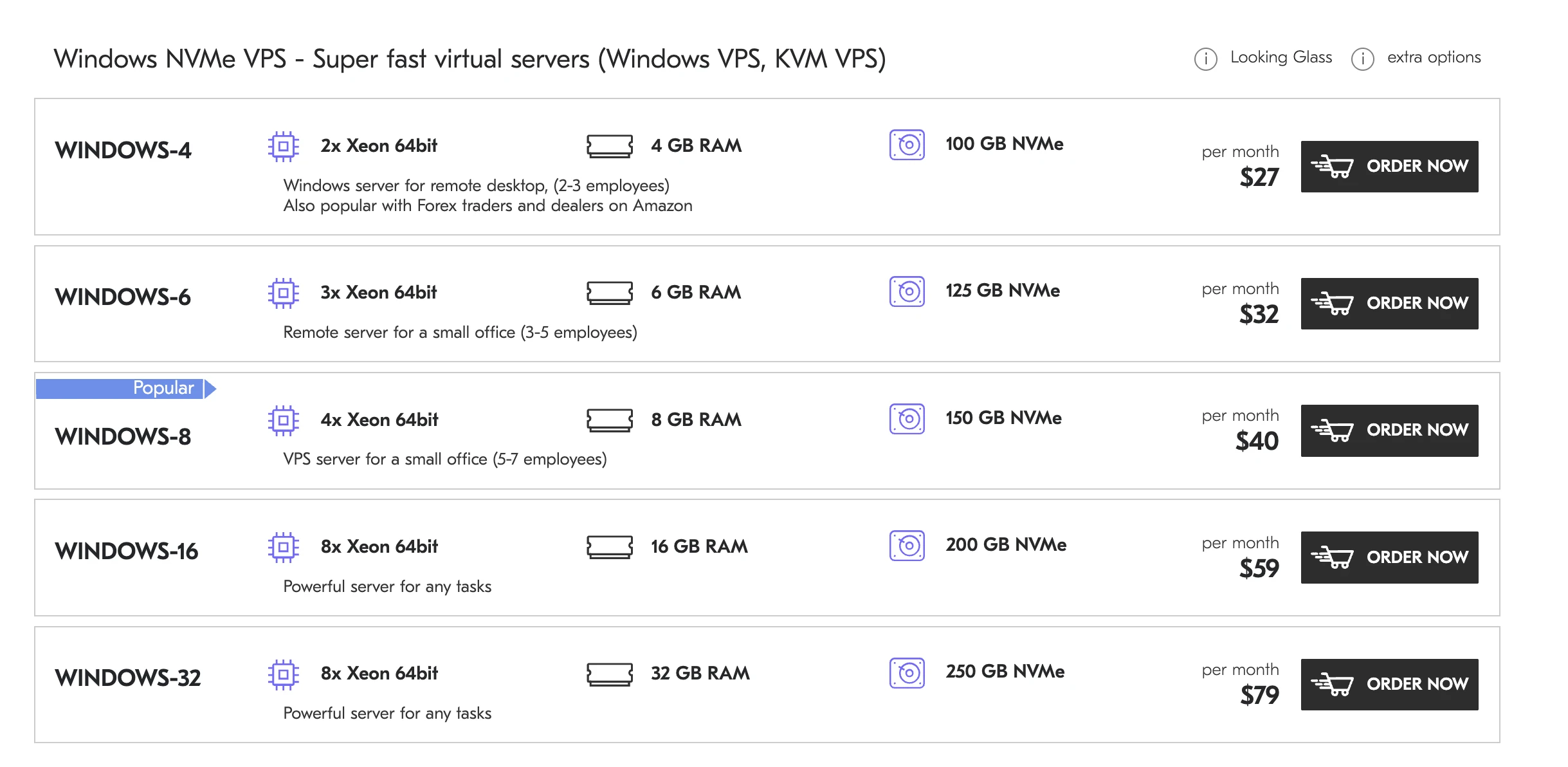
If a remote workspace suits your team, consider DeltaHost infrastructure for development environments only after listing the operating system, resource pattern, access model and backup obligations you actually need. The VPS is a useful boundary, but it does not remove ownership of configuration or data.
Choose a development VPS when it gives you a clearer, rebuildable approximation of the systems you ship. Keep local tooling for the work it does best, and make remote work explicit enough that a new contributor can reproduce it without inheriting somebody else’s snowflake server.
For a remote VPS development environment, separate an observation from an assumption. Record the starting state, the change and the expected result, then inspect logs and metrics afterward. This does not promise an incident-free system; it shortens diagnosis because the team can see which step changed behaviour and what evidence supports that conclusion.
Documentation for a remote VPS development environment should be brief but specific: component owner, safe verification method, responsibility boundary and escalation condition. If a procedure depends on remembering a rare command sequence, automate it or rehearse it. During an incident, a clear decision is more useful than a long list of general advice.
Check the dependencies around a remote VPS development environment separately: network paths, DNS, storage, credentials, background processes and external APIs. A change in one can look like an application fault. A control check should follow a user path and be supplemented by technical logs rather than stopping at one healthy process response.
Set thresholds for a remote VPS development environment, but do not turn them into decorative numbers. A threshold matters when it triggers an action: reduce load, enable a queue, roll back a release or involve the service owner. Revisit those decisions after real changes in workload and client behaviour.
a remote VPS development environment has an operating cost: updates, access review, backups, disk capacity and on-call time. Account for it before launch. A simpler configuration with tested recovery is often more reliable than an elaborate design that nobody can explain or maintain safely.
Before the next change to a remote VPS development environment, run a small rehearsal with safe load. Compare the outcome with a written expectation and retain the findings in a runbook. That turns a one-off configuration into an operable procedure and helps a new engineer avoid repeating old mistakes.
Partner Content
Co o tym myślisz?
Zostaw reakcję i komentarz.